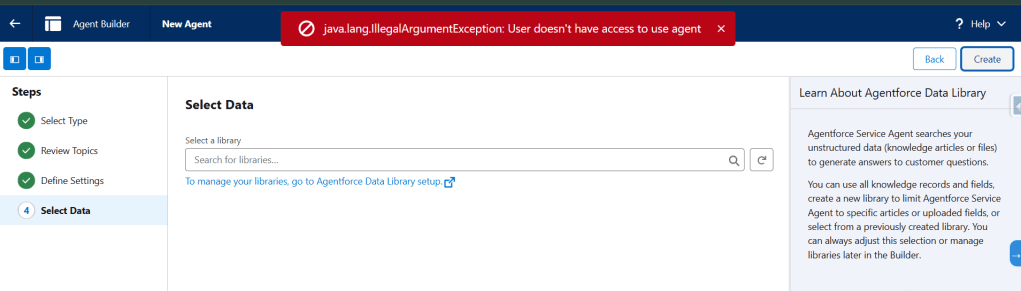
If you are also facing this issue while creating new agent in your salesforce org.
Then you need to create a new agent user with User License Einstein Agent and Einstein Agent User Profile as below and select it while creating new agent.
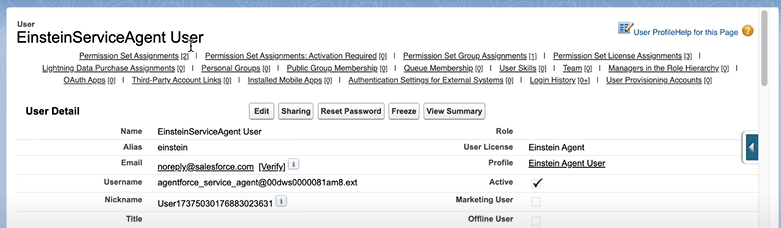
Once you create this user it automatically assign required permissions using permission sets and permission set groups.
Now user is ready so select it while creating new agent in agent builder.

Or you can select New Agent User while creating New Agent

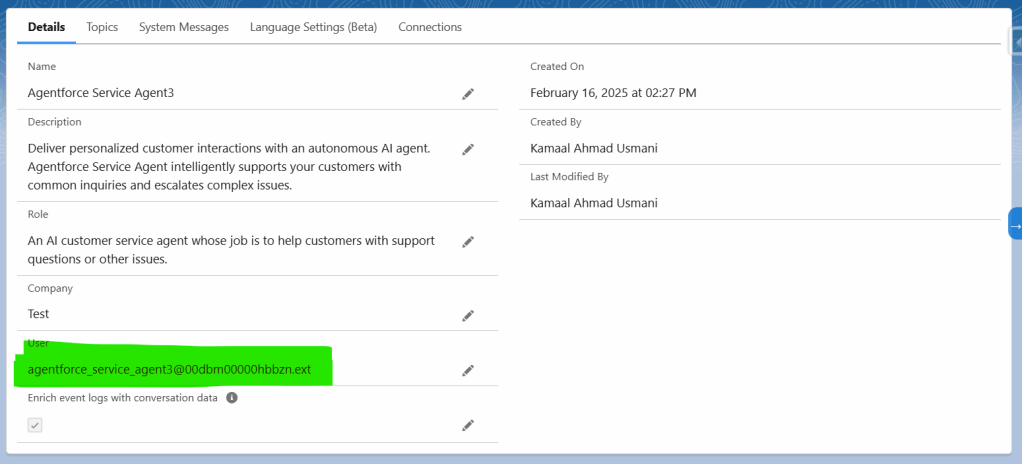
Once you select this and create new agent, salesforce will automatically create an agent user which you can see later in your agent details.
Follow Youtube Channel For More Content Related to Prompt Templates & Agentforce.


 SFDCWallah
Leave a comment