We sometimes need to mask sensitive data like credit cards number,
Social security number or some other personal information.
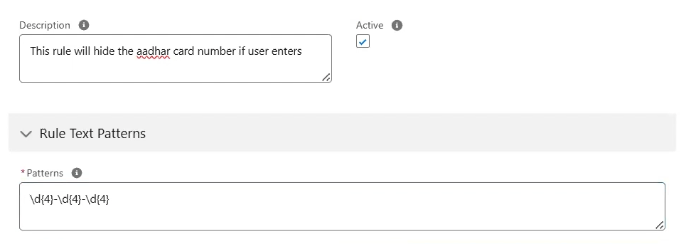
We will create sensitive rules in the org so if agent finds the similar pattern of data we can either remove or replace it with some other text like xxxx-xxxx-xxxx.
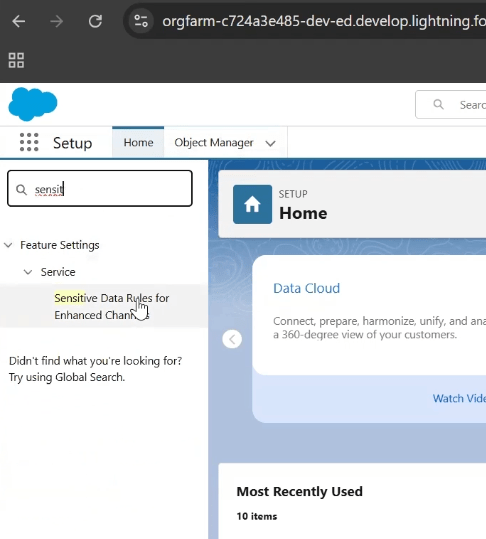
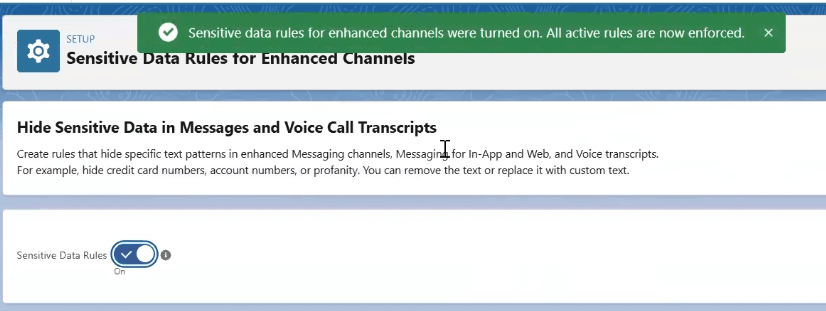
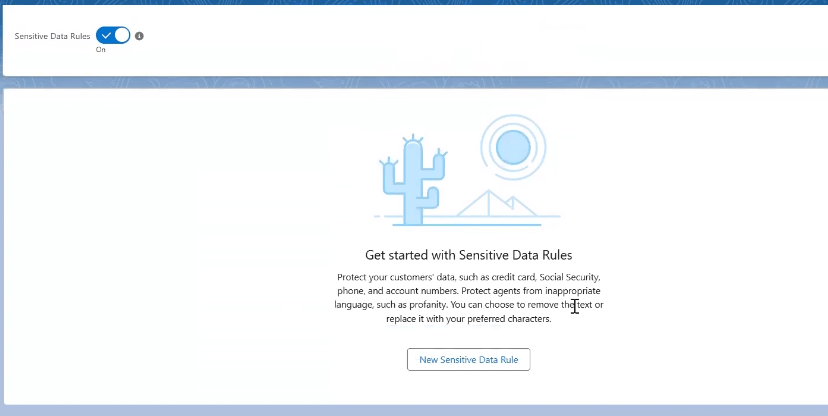
Go to setup-> Search For Sensitive Data Rules For Enhanced Channels->Enable Sensitive Data Rules->Create New Rule and Activate it.


Lower no. has higher priority.
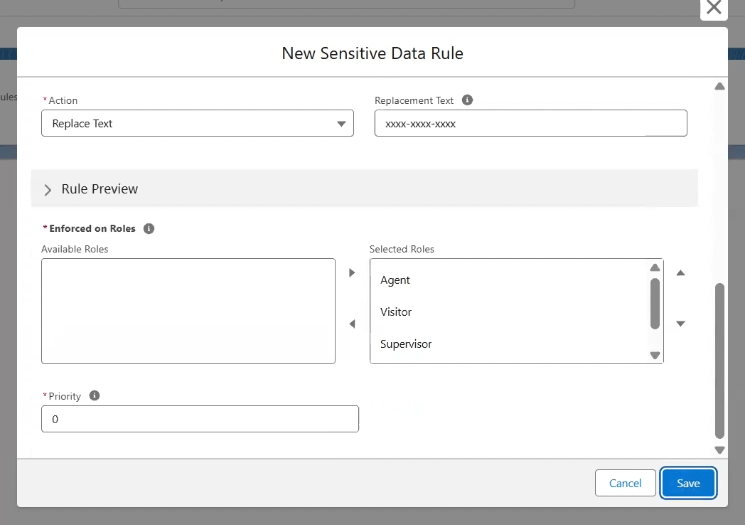
make sure you select the selected roles
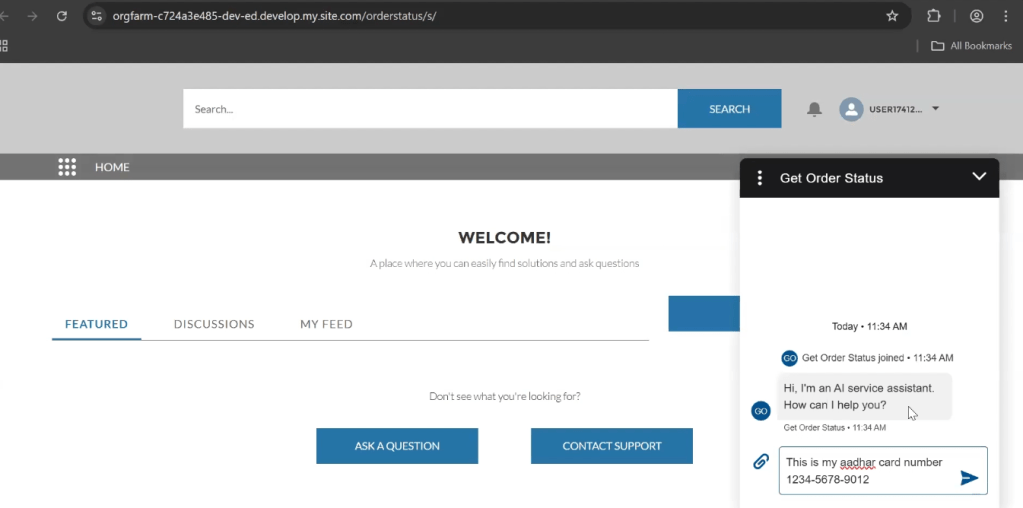
Now if enter our Aadhar Number like this and press Enter
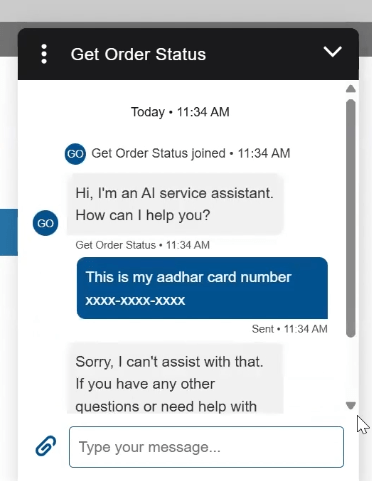
It will automatically replace it using sensitive rule.
 SFDCWallah
Leave a comment