In this blog, we will see what we need to do if we have created a global action for creating task but not able to see on Activity Timeline or Activity Tab.
For Example : Here We have only option to create New Task
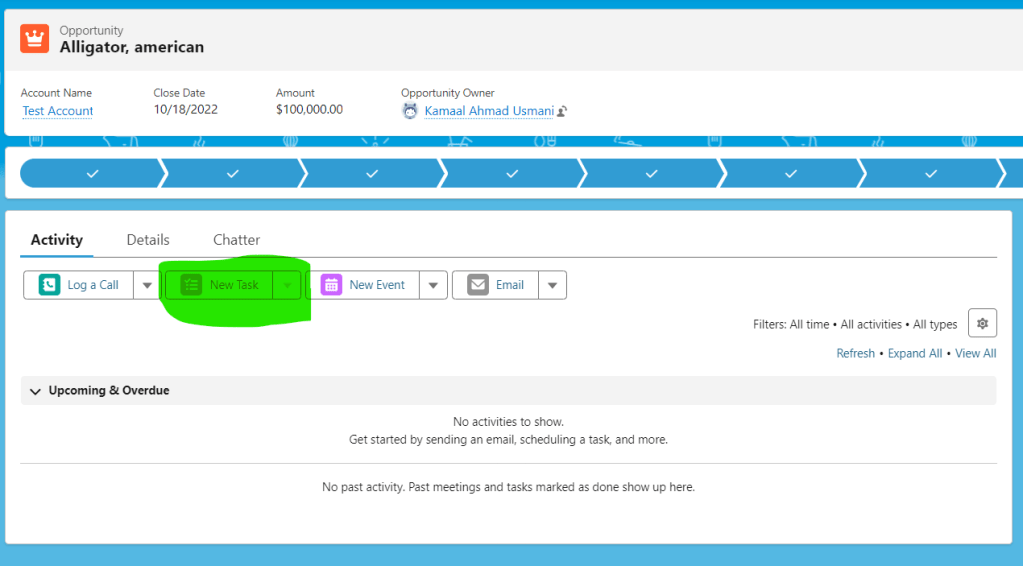
Now Suppose, You have multiple task record types and have created global actions for them to create task and you are not able to see here.
Now what you need to do is:
- Go to the record layout. In this example we have Opportunity Layout(Layouts could be different as per record types so you need to check this).
- Go to Mobile and Lightning Experience Actions.
- Select and add your global action on the layout in Mobile and Lightning Experience Actions Section.
- Save the layout
Now refresh your record page and you should be able to see it.
 SFDCWallah
Leave a comment