- Create Custom Labels


2. Create LWC component to use custom labels
import { LightningElement } from 'lwc';
import CUSTOM_LABEL_ONE from '@salesforce/label/c.FirstCustomLabel'
import CUSTOM_LABEL_TWO from '@salesforce/label/c.SecondCustomLabel'
export default class CustomLabelsDemo extends LightningElement {
    LABELS = {
        descriptionOne:CUSTOM_LABEL_ONE,
        descriptionTwo:CUSTOM_LABEL_TWO
    }
}
<template>
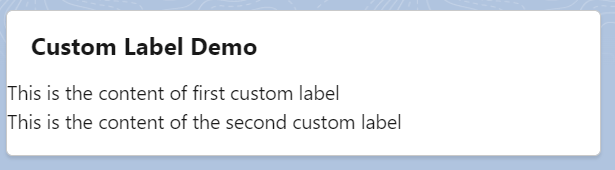
<lightning-card title="Custom Label Demo">
<p>{LABELS.descriptionOne}</p>
<p>{LABELS.descriptionTwo}</p>
</lightning-card>
</template>In this example, we are using two custom labels so we can a LABELS property then we no need to declare variable for each custom label and we are using in our template.
Output:
 SFDCWallah
Leave a comment