Hello All,
Sometimes we developers need to add the single quotes in multiple values for some requirement. Today we will see how we can achieve this in MS Excel.
- First you need to create an excel file and copy all the values in a single column which you want to change.
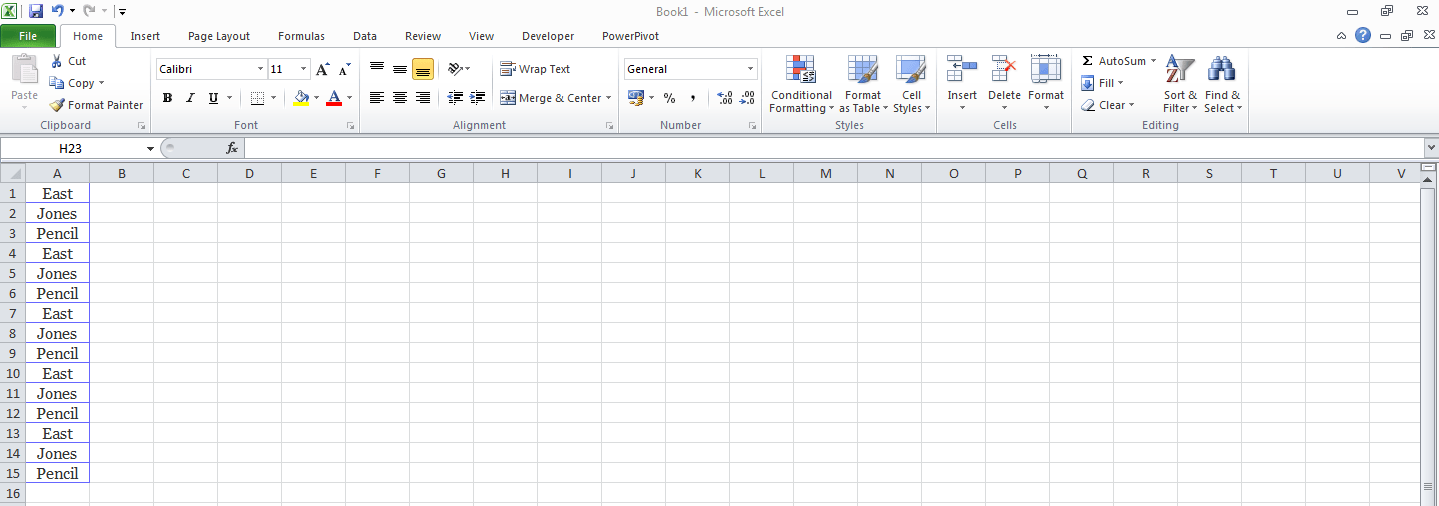
- Now Select and Copy all the values and select a cell where you want to keep changed values.

- Now Copy all the values using Paste As Value.
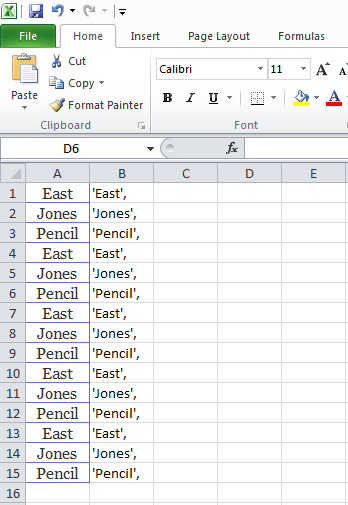
- Now write the following formula =”‘”&A1&”‘,”

- Output
I hope this will help you guys.
 SFDCWallah
Leave a comment