Hello Guys, We save important web pages as bookmarks,sometimes we need that our bookmarks should be saved somewhere so you can use them in some other system also.
So here i am showing you how you can export your bookmarks to your system and import them when you need them.
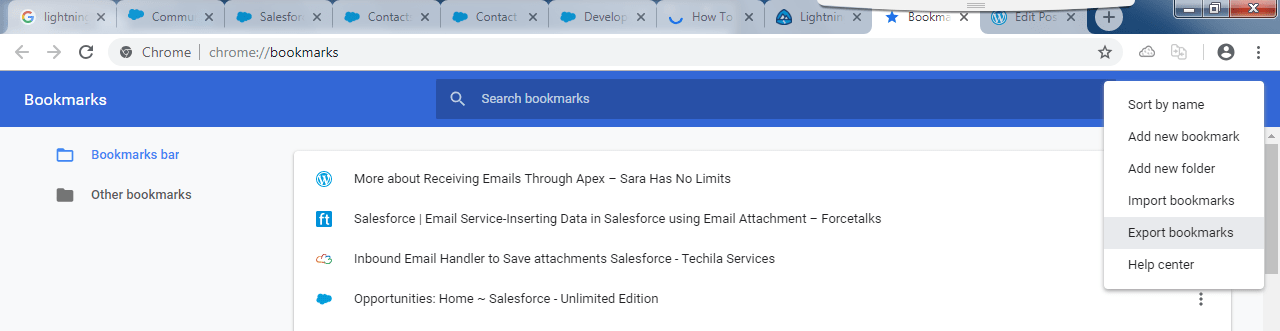
- First go to Bookmarks in Google Chrome >>Bookmarks Manager

- Then you will get this window click Export Bookmarks
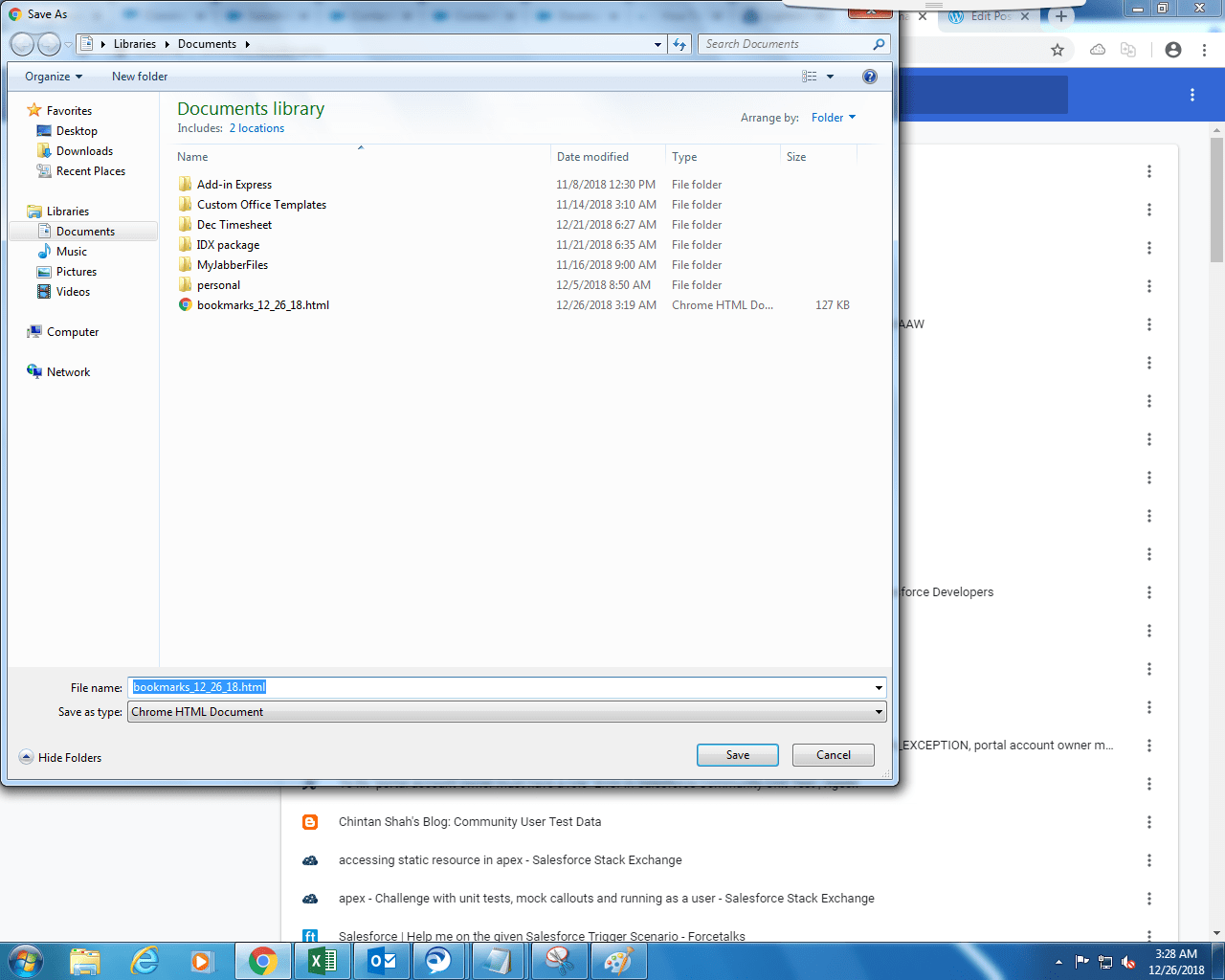
- Then you can save your bookmarks in your system.
- Similarly you can import your bookmarks in Google Chrome
- Try this in your chrome browser.
 SFDCWallah
Leave a comment