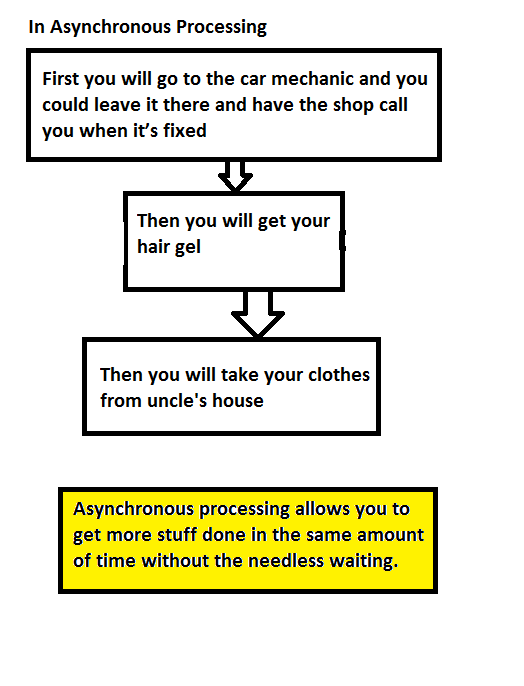
An asynchronous process is a process or function that executes a task “in the background” without the user having to wait for the task to finish.
Let’s understand with a real world example:

You’ll typically use Asynchronous Apex for:
- Callouts to external systems
- Operations that require higher limits
- Code that needs to run at a certain time
Asynchronous Apex comes in a number of different flavors. We’ll get into more detail for each one shortly, but here’s a high level overview.

Benefits of Asynchronous Apex:
- User efficiency : With asynchronous processing the user can get on with their work, the processing can be done in the background and the user can see the results at their convenience.
- Higher Limits : The number of SOQL queries is doubled from 100 to 200 queries when using asynchronous calls. The total heap size and maximum CPU time are similarly larger for asynchronous calls.
- Also those governor limits are independent of the limits in the synchronous request that queued the async request initially.
Working of Asynchronous Apex in Salesforce:

Challenge for Asynchronous Apex:
- Make sure every customer gets a fair share of processing resources.
- Make sure no asynchronous requests are lost due to equipment or software failures.
Asynchronous Apex continues………………………………………………………………………………..
Waiting for your valuable feedback & suggestions.
 SFDCWallah
Leave a comment